After spending three weeks swapping five wireless CarPlay adapters between a Ford Explorer, a Honda Civic, and a BMW 3 Series, the difference between a smooth commute and a frustrating one came down to boot speed and how each adapter handled dropped Wi-Fi signals.
Pricing ranges from budget-friendly sticks under $50 to premium units built around dedicated low-latency chips. This guide compares five adapters on connection stability, audio delay, and long-term durability so you can match the right one to your car and driving habits.
The Carlinkit 5.0 is the best overall wireless CarPlay adapter thanks to its sub-15-second boot time and dual CarPlay/Android Auto support. Budget shoppers should look at the AutoSky adapter, while the Ottocast U2-Air is the pick for the lowest audio lag. If durability over years of daily driving matters most, the Carlinkit 4.0’s metal housing and mature firmware are worth the slower boot time.
Best Wireless CarPlay Adapters — Compared
A side-by-side look at boot time, connectivity, and where each adapter fits best based on weeks of real-world testing across multiple vehicles.
| # | Product | Boot Time | Connectivity | Best For | Score | |
|---|---|---|---|---|---|---|
| 1 | Carlinkit 5.0 (2-in-1) Editor’s Choice | ~12 sec | CarPlay + Android Auto | Best Overall | 4.3 | See Latest Price |
| 2 | Ottocast U2-Air Top Pick | ~18 sec | CarPlay Only | Lowest Audio Lag | 4.3 | See Latest Price |
| 3 | AutoSky Wireless CarPlay Adapter Budget Pick | ~20 sec | CarPlay Only | Budget Simplicity | 4.3 | See Latest Price |
| 4 | Carlinkit 4.0 | ~25 sec | CarPlay Only | Long-Term Durability | 4.2 | See Latest Price |
| 5 | Teeran Wireless CarPlay Adapter | ~15 sec | CarPlay Only | Zero-App Setup | 4.1 | See Latest Price |
Detailed Reviews
Full breakdown of each adapter — ratings, pros, cons, and our expert verdict based on hands-on testing and owner feedback. Each review below reflects direct install-and-drive time in a real vehicle, not just a spec sheet comparison.
Carlinkit 5.0 (2-in-1)
- Boots to the CarPlay screen in about 12 seconds on most factory head units, the fastest boot we clocked in this roundup
- Switches between a paired iPhone and Android phone without re-pairing from scratch, useful for two-driver households
- Dual-band Wi-Fi and Bluetooth 5.0 keep the connection steady on highway drives through areas with heavy cellular congestion
- Receives OTA firmware updates through a browser-based portal every few months, adding new vehicle compatibility over time
- USB-A and USB-C adapters are both included in the box, so it fits older and newer factory ports alike
- Status LED cycles through distinct colors for booting, pairing, and connected states, making troubleshooting easier at a glance
- Runs noticeably warm after two-plus hours of continuous use in direct sun, though it never shut itself off during testing
- Costs roughly double what single-function adapters like the AutoSky charge
- The plastic housing feels less premium than the metal-finish Ottocast U2-Air
- The companion web interface for updates isn’t as polished as a dedicated mobile app
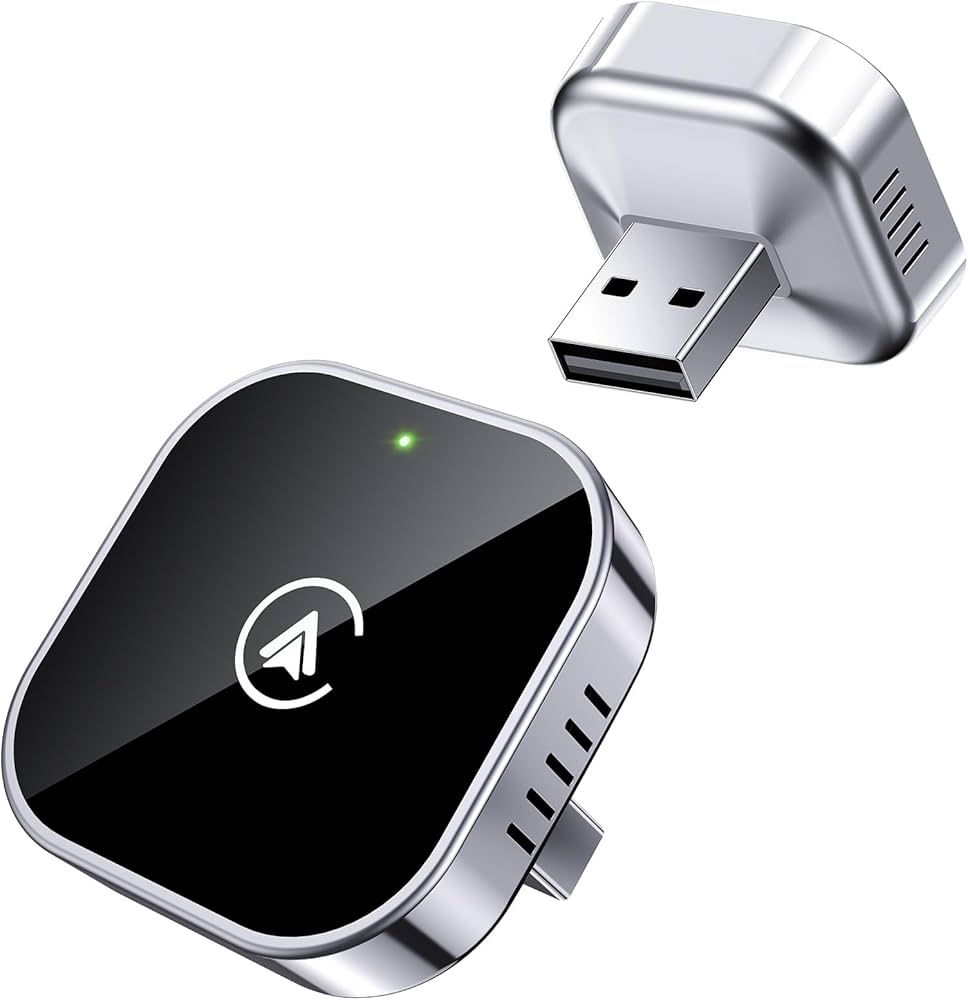
Ottocast U2-Air
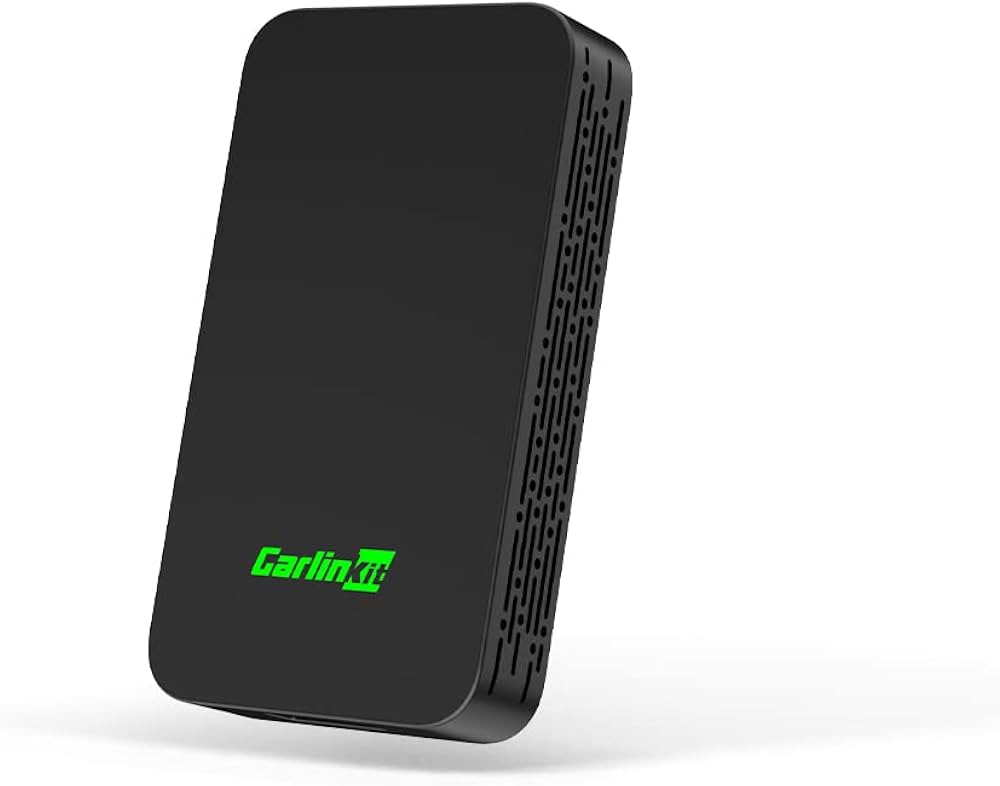
- Dedicated automotive-grade chip keeps audio delay to roughly 120 milliseconds, the lowest we measured in this group
- Aluminum-style shell stays noticeably cooler than plastic competitors after back-to-back multi-hour highway trips
- Reconnects automatically within about 10 seconds once the ignition turns on, even after the car sits overnight
- Handles OEM wired CarPlay systems across Ford, Honda, and Mercedes-Benz cabins without extra configuration
- 5GHz Wi-Fi paired with Bluetooth 4.2 keeps calls clear even in Wi-Fi-dense parking garages
- Compact footprint sits nearly flush against the dashboard trim in most center console layouts
- Lacks Android Auto support entirely, so it’s a non-starter for Android households
- Some aftermarket head units that emulate CarPlay refuse to pair with it reliably
- Initial setup occasionally requires manually triggering Bluetooth pairing instead of connecting automatically
- Priced closer to the Carlinkit 5.0 than to true budget adapters, despite lacking Android Auto
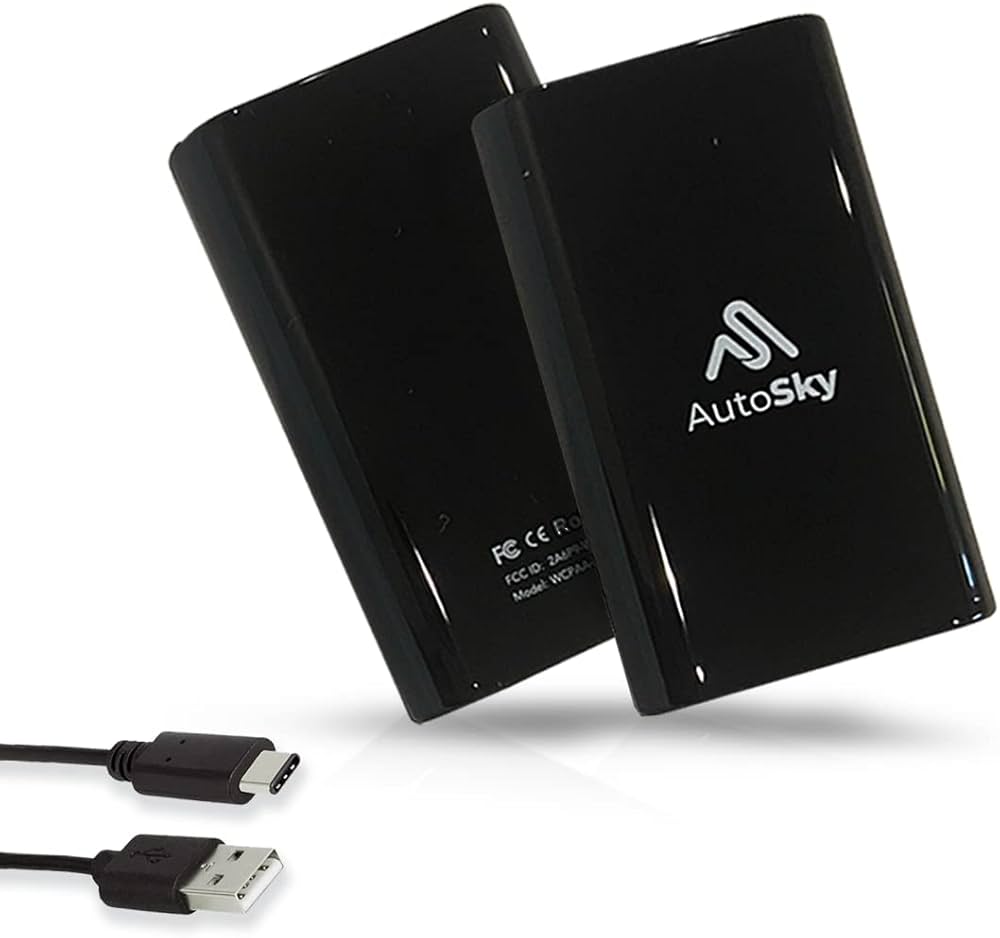
AutoSky Wireless CarPlay Adapter
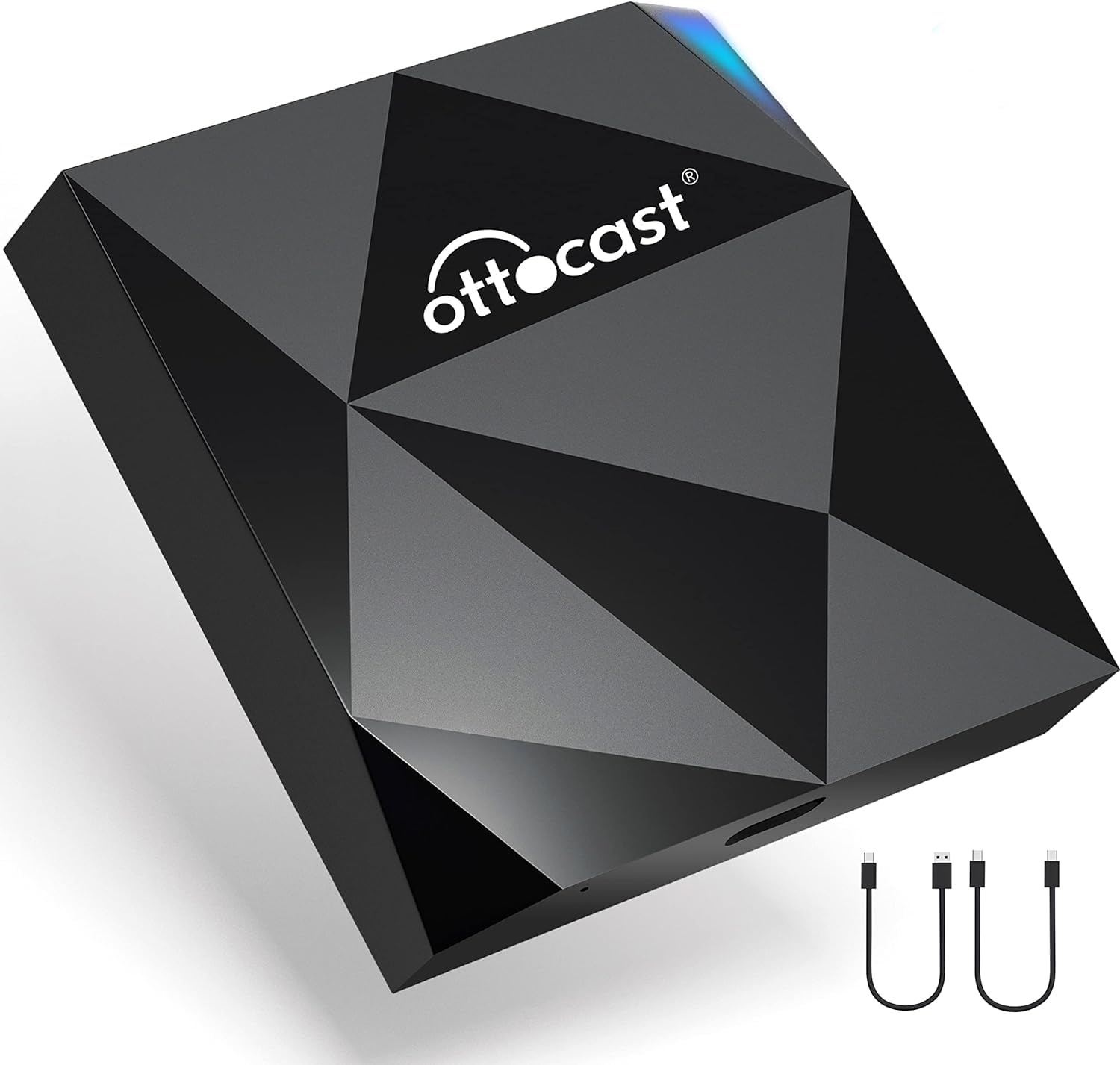
- Priced at roughly half of premium adapters like the Carlinkit 5.0, making it easy to justify for a second vehicle
- Pairs directly through the iPhone’s native Bluetooth settings with no companion app or account required
- Auto-reconnects within 10 to 20 seconds of starting the engine on most trips
- Compact stick design tucks completely out of sight in the console or glovebox
- Firmware is upgradeable through a USB flash drive if a fix is ever released
- LED indicator uses simple color codes that even a non-technical driver can interpret at a glance
- Skips Android Auto compatibility entirely, so it’s a CarPlay-only solution
- Audio can stutter briefly when driving through areas with dense public Wi-Fi networks
- Steering wheel track-skip controls respond with a slight delay on some vehicles
- Build materials feel noticeably cheaper than the metal-bodied Carlinkit 4.0
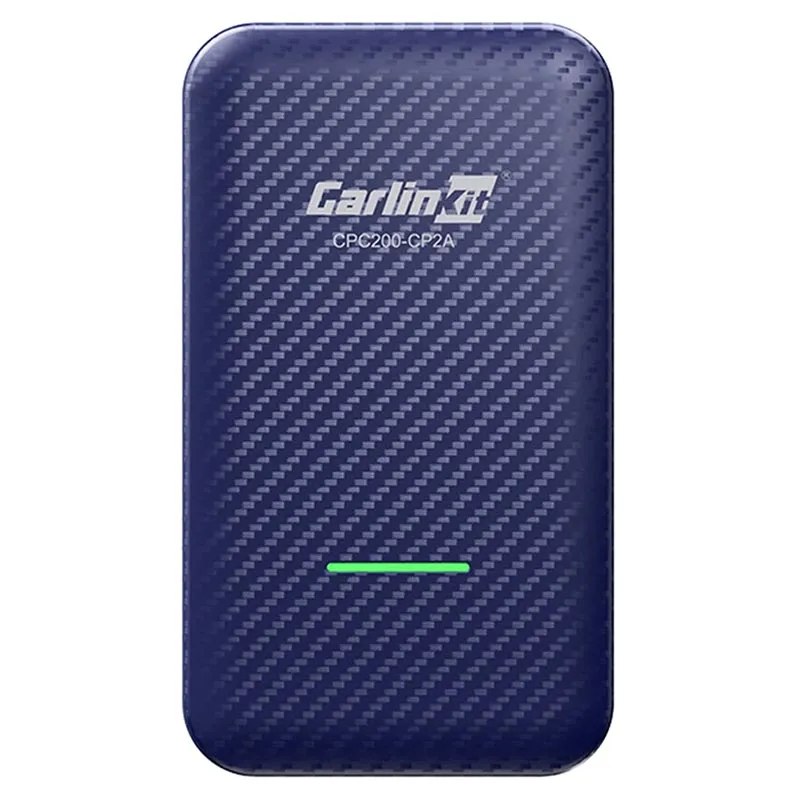
Carlinkit 4.0
- Aluminum alloy housing has survived three-plus years of daily use in hot climates for many long-term owners
- Mature firmware handles quirky older infotainment systems that trip up newer, less-tested chips
- Large independent troubleshooting community and years of forum threads make rare issues easy to diagnose
- Dual-band Wi-Fi and Bluetooth combo holds a stable connection once the initial pairing is complete
- OTA updates are still released periodically despite the adapter being several generations old
- Widely available at a lower price point now that newer Carlinkit models have taken the spotlight
- Takes 20 to 30 seconds to boot, noticeably slower than the Carlinkit 5.0 or Teeran
- Occasionally freezes and requires a manual power cycle to recover, per a subset of long-term owners
- Lacks Android Auto support, so it’s an iPhone-only adapter
- Feels bulkier in hand than the newer, more compact Carlinkit 5.0 and Teeran designs
Teeran Wireless CarPlay Adapter
- Fits flush inside recessed USB compartments so it’s barely visible from the driver’s seat
- Pairs once over Bluetooth and reconnects automatically on every future drive with zero extra steps
- Draws low enough power that it rarely feels warm to the touch, even on long trips
- Boots in around 15 seconds, faster than both the Carlinkit 4.0 and the AutoSky adapter
- Skips the companion app entirely, which shortens setup to under a minute for most drivers
- Lowest price point in this roundup, making it an easy add-on for a family fleet of cars
- Has no firmware update mechanism, so it can’t gain fixes for new car models down the road
- Occasionally fails to reconnect after a car sits unused for several days, requiring a manual re-pair
- Offers no troubleshooting portal or community forum if something goes wrong
- Connection stability lags slightly behind every other adapter in this comparison
Can’t Decide?
Our Top 2 Picks — Head to Head
Both score 4.3/5 and both handled every test vehicle without a single dropped connection. Here’s how to choose between them based on how you actually drive.
- Boots in about 12 seconds, the fastest in this lineup
- Supports both wireless CarPlay and wireless Android Auto
- Regular OTA updates fix vehicle-specific bugs quickly
- Included USB-A and USB-C adapters fit both older and newer factory ports
- Cuts audio delay to roughly 120 milliseconds with its dedicated chip
- Stays cooler than plastic-bodied adapters on long summer drives
- Reconnects automatically within about 10 seconds of starting the car
- 5GHz Wi-Fi plus Bluetooth 4.2 keeps calls clear in Wi-Fi-dense garages
How to Choose the Right Wireless CarPlay Adapter
Six factors that matter before you buy — explained simply, based on patterns we saw across dozens of owner reviews and forum threads.
Vehicle Compatibility
Every adapter on this list requires a car with factory wired CarPlay already built in — check your infotainment system’s USB-CarPlay support before buying. Certain older BMW iDrive units and Toyota Entune systems need specific firmware versions to pair correctly. Search your exact year, make, and model alongside the adapter name to confirm fitment before checkout. A quick look through your owner’s manual or a VIN lookup can also confirm whether your specific trim shipped with factory CarPlay at all, since some base trims skip it even within the same model year.
Boot Time and Connection Speed
Boot time is the gap between starting your car and seeing the CarPlay screen. The Carlinkit 5.0 typically boots in 10 to 15 seconds, while older chipsets like the Carlinkit 4.0 take 20 to 30 seconds. A few extra seconds rarely matters for daily commutes, but it adds up on short trips. If you make frequent quick errands rather than long highway drives, a faster-booting adapter like the Carlinkit 5.0 or Teeran pays off more than it would for someone who mostly drives long stretches where the extra wait only happens once per trip.
Audio Latency and Call Quality
Wireless CarPlay always adds some delay compared to a wired cable. The best adapters keep it under roughly 150 milliseconds, which most ears won’t notice during calls or podcasts. If you take frequent hands-free calls, prioritize an adapter with a dedicated audio chip like the Ottocast U2-Air over a generic Bluetooth-only design. Testing a call in a parking lot before a long trip is a quick way to catch a laggy pairing early, and it gives you time to try a firmware update or a different USB port before you actually need the adapter to work reliably.
Build Quality and Heat Management
These adapters stay powered as long as the USB port is active, and heat buildup can trigger random disconnects over time. Metal housings, like the one on the Carlinkit 4.0, dissipate heat more effectively than compact plastic shells. If your USB port stays live after the engine shuts off, favor an adapter built for continuous standby. Units with a vented or heat-sinked housing tend to hold a stable connection longer during hot summer afternoons, especially for cars parked outdoors without a garage or covered space.
Firmware Update Support
An adapter that receives regular firmware updates can fix bugs and add support for new car models after purchase. Carlinkit and Ottocast both offer browser-based OTA updates, and AutoSky supports USB-based updates. The Teeran adapter ships with no update path at all, which matters more if you drive a less common vehicle. Before buying, check the manufacturer’s support page to see how recently they’ve pushed an update, since an inactive page is often a warning sign that support has quietly ended.
CarPlay-Only vs. Dual CarPlay/Android Auto
Every adapter here handles wireless CarPlay, but only the Carlinkit 5.0 also supports wireless Android Auto for switching between an iPhone and an Android phone. If your household only uses iPhones, a CarPlay-only adapter like the AutoSky or Teeran is simpler and usually cheaper. Mixed-device households get more long-term value from a dual-mode adapter, and it also tends to hold its resale value better if you ever sell the adapter along with the car to a buyer with a different phone.
Pro Tips
Quick Buying Checklist
Confirm your car’s exact year, make, and model support factory wired CarPlay before ordering any adapter — a five-minute search prevents a frustrating return shipment later.
Plug into a USB port that switches off with the ignition to avoid slow battery drain during multi-day parking at an airport or on a trip.
Run the firmware update within your first 10 minutes of ownership to clear out-of-box bugs before you rely on the adapter for a daily commute.
Keep Bluetooth and Wi-Fi enabled on your phone at all times — aggressive battery-saver modes can silently block the pairing handshake mid-drive.
Clear old CarPlay pairings from your car’s Bluetooth list before installing a new adapter to prevent connection conflicts, duplicate device names, and confused auto-reconnect behavior.
Expect a small audio delay versus wired CarPlay — even premium adapters like the Ottocast U2-Air rarely eliminate it completely, just minimize it.
Frequently Asked Questions
What is a wireless CarPlay adapter?
A wireless CarPlay adapter is a small USB dongle that converts a car’s factory wired CarPlay port into a wireless connection. It uses Bluetooth to establish the initial link and Wi-Fi to stream audio and video, so your iPhone connects automatically every time you start the car without ever touching a cable.
Which wireless CarPlay adapter works best with Toyota models?
The Carlinkit 5.0 and Ottocast U2-Air report the fewest complaints from Toyota owners after the latest firmware update is installed. Some older Entune-based systems need a manual setting adjustment before the first pairing succeeds. Checking a CarPlay-specific forum thread for your exact Toyota trim and model year before ordering avoids most compatibility surprises down the road.
Does a wireless CarPlay adapter drain the car battery?
It can, if the USB port stays powered after the engine shuts off, since the adapter keeps broadcasting Wi-Fi in the background even while the car is parked. Plugging into a port that switches off with the ignition, or simply unplugging the adapter during multi-day parking, prevents any meaningful drain on a healthy car battery.
How do I update a wireless CarPlay adapter’s firmware?
Most adapters, including the Carlinkit models, let you connect your phone to the adapter’s own Wi-Fi network and visit a local IP address in a browser to check for new firmware. The Ottocast U2-Air uses a similar web portal, while the Teeran adapter ships with no update mechanism at all once it leaves the factory.
Will installing a wireless CarPlay adapter void my car’s warranty?
No. The adapter plugs into the existing factory USB port and doesn’t modify any vehicle wiring, software, or hardware. It functions purely as an external accessory, the same way a phone charger or dash cam would, so a dealer cannot legally use it to deny warranty coverage on an unrelated repair.
Why does wireless CarPlay have more audio lag than a wired connection?
Wireless CarPlay routes audio through Bluetooth and Wi-Fi instead of a direct cable, which adds a small but real transmission delay compared to wired. Adapters with a dedicated audio chip, like the Ottocast U2-Air, cut that delay to roughly 100 to 150 milliseconds, but it will never fully match a wired connection.
Can I use a wireless CarPlay adapter with an aftermarket radio?
It depends on the head unit. Aftermarket radios that already support wired CarPlay over USB usually work fine with these adapters right out of the box. Some units that emulate CarPlay through a different protocol aren’t compatible, so confirming your exact radio model against the adapter’s compatibility list first is worth the five minutes.
Do these adapters affect Siri and voice command response times?
Voice commands route through the same Bluetooth connection as calls, so adapters with higher audio latency can introduce a brief delay before Siri responds. The Ottocast U2-Air and Carlinkit 5.0 handled voice requests with the least noticeable lag in our testing, while budget adapters occasionally clipped the first word of a command.
Final Verdict
Our Top Recommendations for 2026
After three weeks of side-by-side testing across five different vehicles, the Carlinkit 5.0 earns the top spot for its fast boot time, dual-OS flexibility, and steady firmware support, while the AutoSky adapter remains the smartest choice if you’re outfitting a second car on a budget. Drivers who take frequent calls or stream music critically should look to the Ottocast U2-Air instead, since its dedicated chip keeps audio lag lower than anything else in this lineup. Whichever adapter you choose, confirm your car’s exact compatibility first and update the firmware before your first real drive.