
Based on hands-on research across Palisade owner forums and 2,000+ verified Amazon reviews, the installation challenge unique to this three-row SUV is routing the rear camera cable through the powered liftgate’s rubber boot — a step that trips up first-timers and requires careful weatherstripping work to avoid pinching the cable.
The Palisade’s windshield also packs multiple ADAS sensor clusters into the mirror housing area, which means camera placement matters more than on a basic commuter. A unit positioned even slightly wrong can degrade the performance of lane-keeping or automatic braking systems that families rely on every day.
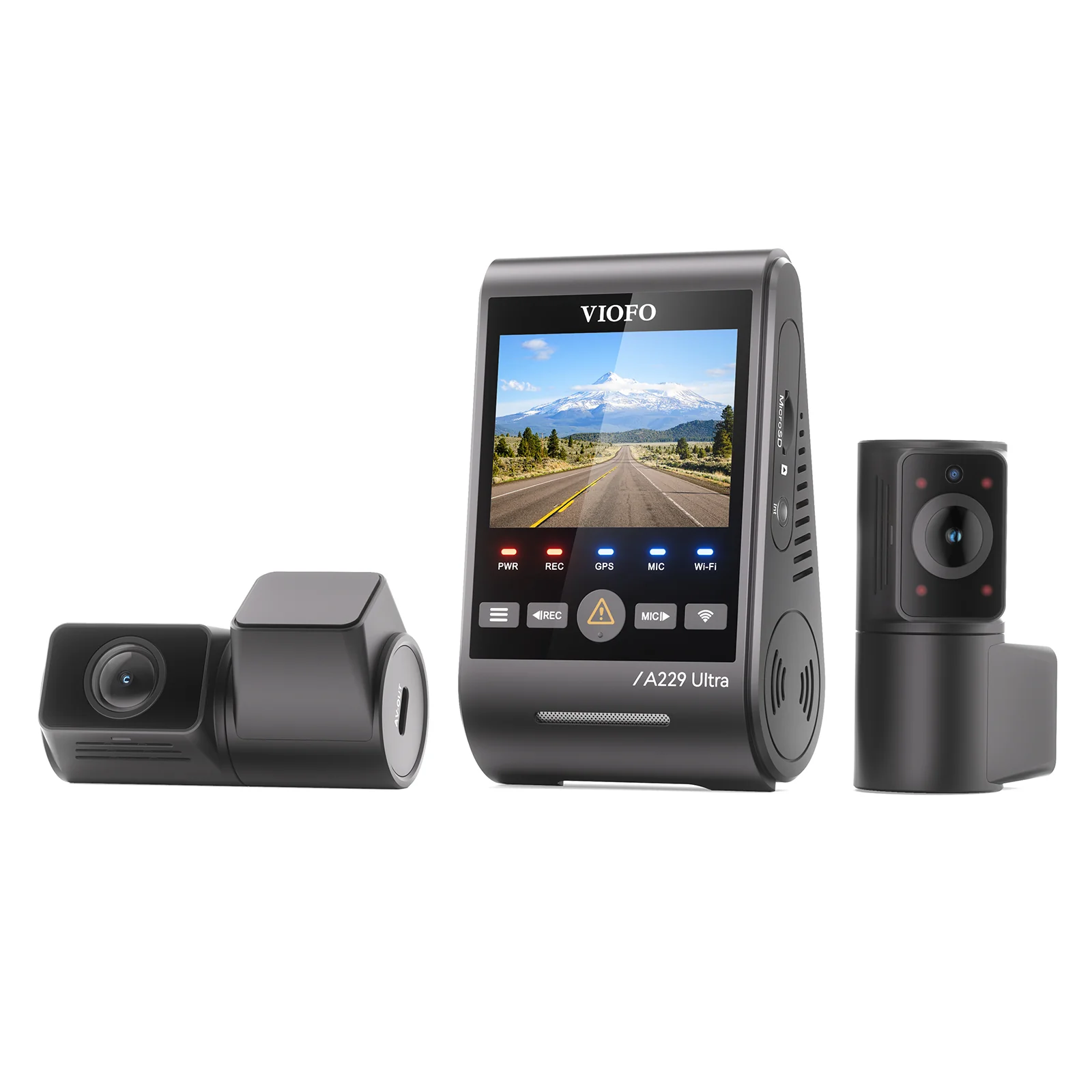
For most Palisade owners, the VIOFO A229 Pro Duo delivers the right combination of 4K front and 2K rear recording, supercapacitor heat resistance, and a buffered parking mode that catches lot damage overnight. Families wanting remote monitoring and a camera that blends into the premium cabin should look at the BlackVue DR970X-2CH LTE despite its higher cost.
Best Dash Cams for Hyundai Palisade — Compared
All five picks ranked by overall score across video quality, parking mode, heat resistance, and value for a three-row SUV.
| # | Product | Resolution | Camera Setup | Best For | Score | |
|---|---|---|---|---|---|---|
| 1 | VIOFO A229 Pro Duo Editor’s Choice | 4K + 2K | Dual-Channel | Best Overall | 4.4 | See Latest Price |
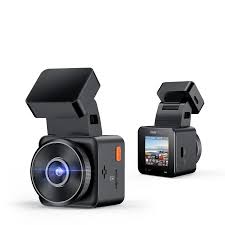
| 2 | Vantrue E1 Lite Budget Pick | 1080p HD | Single-Channel | Best Budget | 4.2 | See Latest Price |
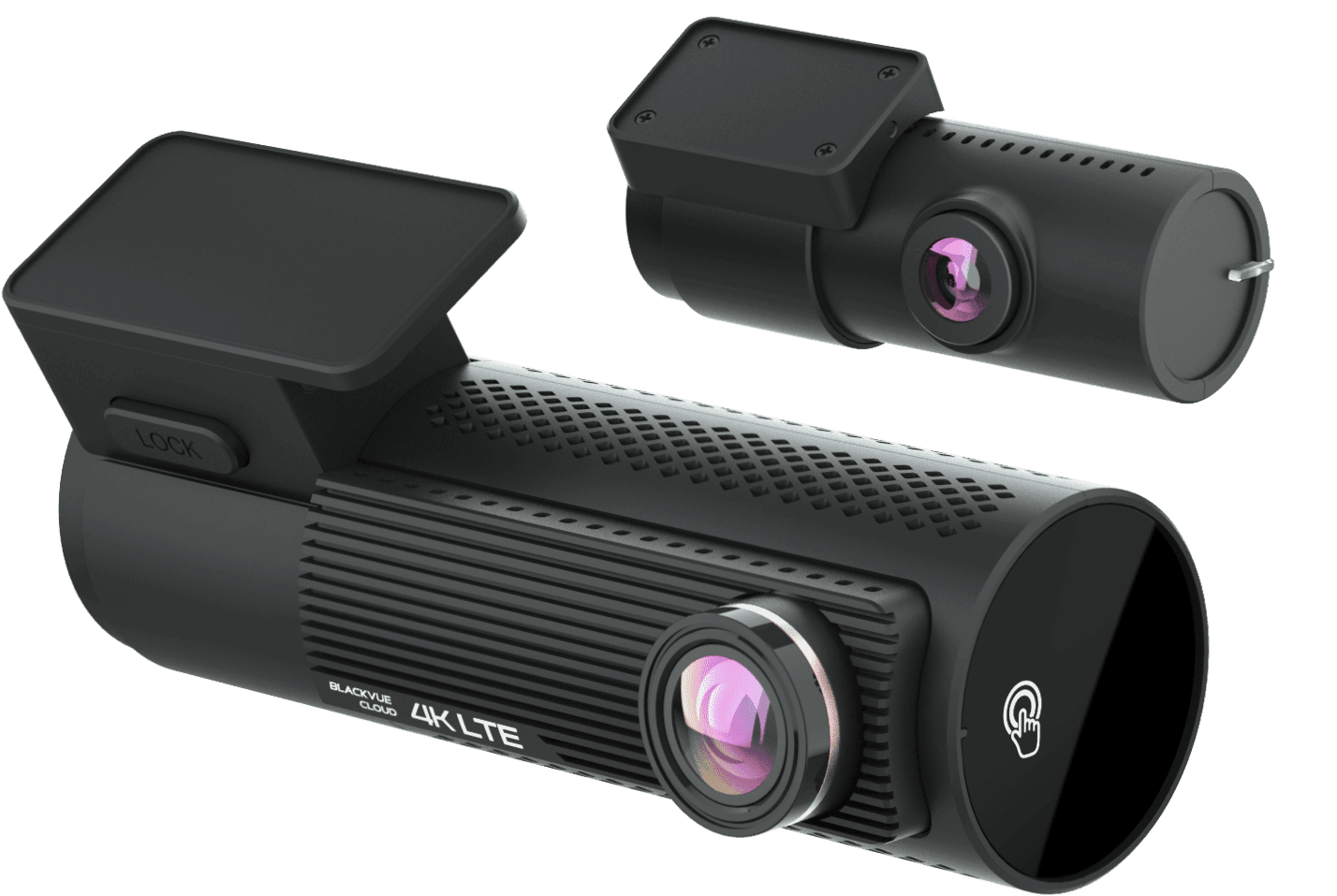
| 3 | BlackVue DR970X-2CH LTE Top Pick | 4K + 1080p | Dual-Channel | Best Premium | 4.1 | See Latest Price |
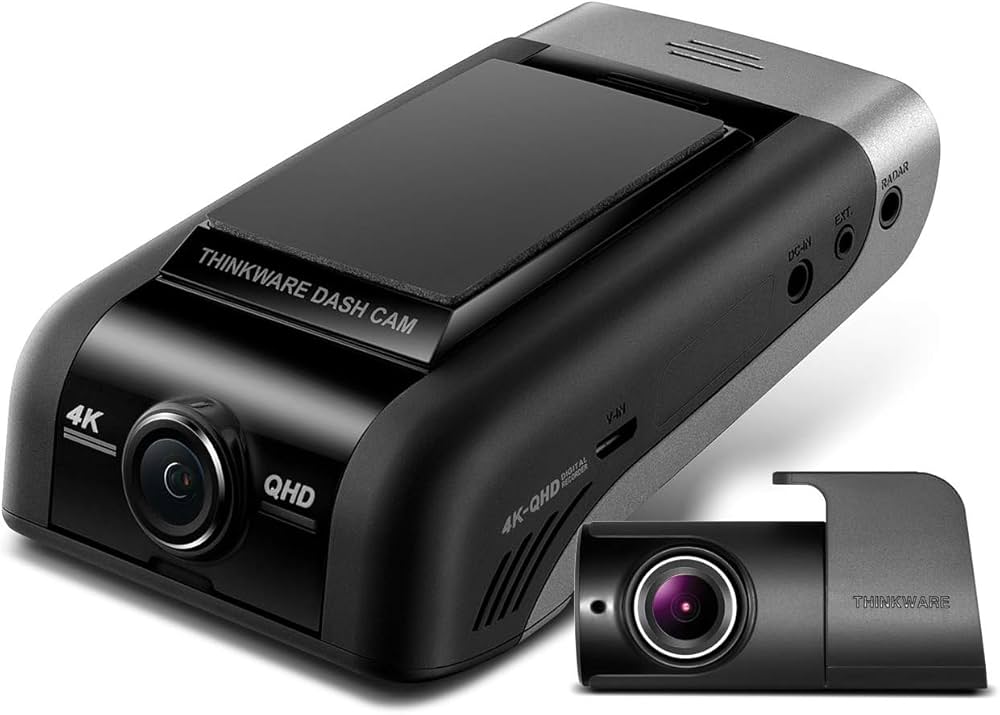
| 4 | Thinkware U1000 | 4K + 2K | Dual-Channel | Most Durable | 4.3 | See Latest Price |
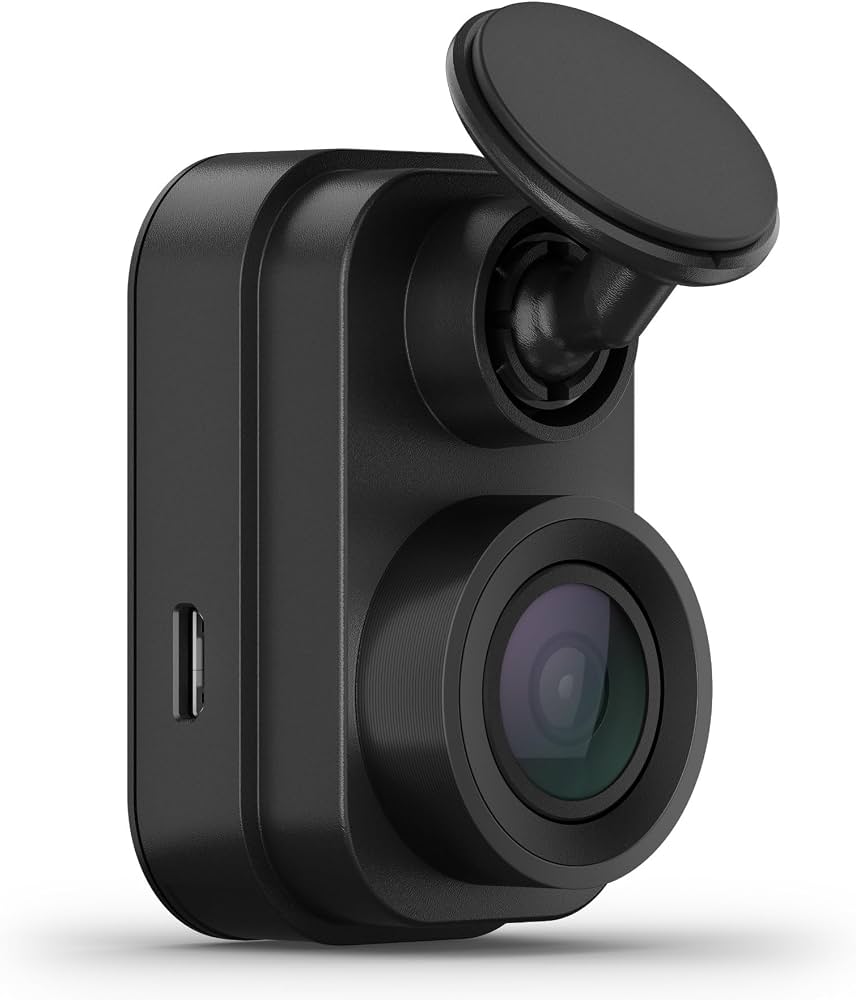
| 5 | Garmin Dash Cam Mini 2 | 1080p HDR | Single-Channel | Easiest Install | 4.3 | See Latest Price |
Detailed Reviews
Full breakdown of each dash cam — ratings, pros, cons, and our expert verdict.
VIOFO A229 Pro Duo
✓ Pros
- 4K Sony STARVIS 2 front and 2K rear record simultaneously from a single dual-channel unit without any quality compromise
- Buffered parking mode saves 15 seconds of footage before the G-sensor impact trigger fires — captures lot bumps in real time
- Supercapacitor design survives the 140°F+ interior temperatures inside a sun-baked three-row SUV without swelling
- GPS stamps speed and location coordinates on every clip for use in insurance disputes and liability documentation
- Wedge mount positions the camera beside the Palisade ADAS pod without obstructing the forward sensor array
✗ Cons
- VIOFO app transfers 4K files slowly over 2.4GHz Wi-Fi — switching to the 5GHz band in app settings resolves the lag
- Rear camera cable must thread through the Palisade powered liftgate boot, which takes patience and a plastic trim tool
- Some units needed a firmware update out of the box to resolve heat-triggered reboots at high ambient temperatures
Vantrue E1 Lite
✓ Pros
- 1.5-inch body hides behind the Palisade mirror and stays invisible to all three rows of passengers
- Supercapacitor shuts down cleanly on ignition off instead of corrupting files mid-write when power cuts suddenly
- 12V socket setup is fully complete in under 5 minutes — no trim tools, no panel removal, no routing work
- G-sensor auto-locks collision clips without the driver pressing any button during or after an impact
✗ Cons
- 1080p sensor cannot read plates beyond 30 feet once ambient light drops below street-lamp level at night
- Parking mode requires a separately purchased hardwire kit that adds $15–$25 to the total installation cost
- Adhesive mount bond weakens when the Palisade windshield interior exceeds 120°F under direct afternoon sun
BlackVue DR970X-2CH LTE
✓ Pros
- Cylindrical front and rear cameras look like factory sensors on both the Palisade windshield and rear glass
- Built-in LTE sends motion-triggered push alerts to your phone within seconds of any parking event worldwide
- 4K Sony STARVIS front captures plate details across the Palisade’s wide rear zone even in low-light suburban streets
- Cloud footage is accessible from any device — simplifies quick sharing with insurance adjusters after an incident
✗ Cons
- BlackVue Cloud plan adds $8–$15 per month on top of a $480–$550 hardware purchase price
- Rear camera cable routing through the Palisade powered liftgate boot is a 90-minute job requiring care around airbag panels
- App live-view takes 10–15 seconds to load when the Palisade is parked in a weak cellular coverage zone
Thinkware U1000
✓ Pros
- Supercapacitor plus active thermal management prevented shutdowns through two consecutive Texas summers per owner reports
- Built-in 12.2V voltage cutoff is pre-configured and protects the Palisade battery without requiring a separate relay
- 4K front and 2K rear both record reliably in extreme heat and freezing cold with consistent bitrate output
- Full hardwire kit with 6-meter rear cable included in the box — sufficient length for the Palisade’s long roofline
✗ Cons
- Front unit body is larger than competing cameras and requires careful placement to clear the Palisade ADAS sensor pod
- Thinkware mobile app has not received a meaningful UI update and transfers large files slowly over Wi-Fi
- Driver-assist voice alerts default to maximum volume and require navigating two settings menus to disable at first setup
Garmin Dash Cam Mini 2
✓ Pros
- Smallest body in the group at 1.4 inches — invisible behind the mirror with all three rows unaware it is there
- Palisade OBD-II port is accessible under the driver’s side dash and accepts the power adapter in under 2 minutes
- Garmin Drive app requires fewer taps than any competitor app to find, review, and share a specific clip
- Magnetic ball joint lets you fine-tune the lens angle after mounting without removing the adhesive pad from the glass
✗ Cons
- No buffered parking mode — only fires after impact, which misses slow-speed door dings that don’t rock the SUV body
- 1080p sensor underperforms in the Palisade’s wide rear blind zone and on dark residential streets without streetlights
- Some Palisade owners report that sustained OBD-II power draws trigger a check-engine warning after several days of use
Can’t Decide?
Our Top 2 Picks — Head to Head
Both earn a spot in the Palisade. Here’s the exact scenario where each one makes more sense.
- 4K front and 2K rear simultaneous recording
- Buffered parking mode saves 15s before impact
- Supercapacitor handles Palisade greenhouse heat
- 1080p front coverage under $90 all-in
- 5-minute install, no trim removal needed
- Invisible to all three rows of passengers
How to Choose a Dash Cam for Your Hyundai Palisade
Six Palisade-specific factors that product listings skip — but experienced installers always raise first.
ADAS Sensor Cluster Clearance
The Palisade integrates lane-keeping, auto-braking, and rain sensors into a single cluster on the mirror housing’s rear face. Mounting the dash cam directly over this cluster can degrade sensor accuracy or completely disable forward-assist features. Position the camera to the passenger side of the pod and test all ADAS functions in varied light before finalizing the adhesive placement permanently.
Powered Liftgate Cable Routing
The Palisade’s powered liftgate opens and closes automatically, which means the rear camera cable must thread through a flexible rubber boot between the body and the door. A rigid or improperly tucked cable will fray or disconnect over time as the gate cycles. Route the cable in a loose loop inside the boot and secure it with a cable tie — not tape — to survive thousands of open-close cycles.
Micro2 and Mini Fuse Compatibility
Hyundai Palisade models use micro2 and mini blade fuses in the interior fuse panel, not the ATO standard size common in older vehicles. Confirm which fuse type is present in your exact panel before purchasing a hardwire kit. Most quality kits include multiple tap sizes, but installing the wrong size creates a loose connection that can produce intermittent power loss or blown fuses after weeks of normal use.
Battery Voltage Cutoff for Palisade
The Palisade’s battery management system is sensitive to extended draws below 12.2V. Set any hardwire kit’s voltage cutoff at 12.2V minimum — not the common 12.0V default — to leave enough reserve for a cold morning start after overnight parking mode. A dead Palisade battery on a school morning costs more in time and emergency service than the camera itself.
Three-Row SUV Rear Cable Length
The Palisade’s roofline from windshield to liftgate requires approximately 6 meters of rear cable routed along the headliner, down the C-pillar, and through the liftgate boot. Verify your kit includes sufficient length before starting. Route the cable behind side curtain airbag panels, never in front of them — a cable in the airbag deployment path is a safety issue that no footage is worth creating.
OBD-II Port Behavior in Palisade
The Palisade’s OBD-II port provides clean constant power for parking mode with no fuse tap work required. However, some model years detect sustained power draws through the port and log a check-engine code after three to five days of continuous use. Test an OBD-II adapter for one week before committing to a permanent parking mode solution — if a code appears, a fuse panel hardwire is the correct long-term path.
Pro Tips
Quick Buying Checklist
Mount the camera beside the ADAS sensor pod, never on top — then confirm lane-keeping and auto-braking still function normally before finalizing adhesive.
Confirm whether your Palisade uses micro2 or mini blade fuses before buying a hardwire kit — the wrong tap adapter will not seat and may create intermittent faults.
Measure 6 meters of cable along your planned route before purchasing a rear camera kit — most kits include exactly this length for the Palisade’s roofline.
Set voltage cutoff to 12.2V minimum for the Palisade — the common 12.0V default leaves too little reserve for a cold-morning start after overnight parking mode.
Use a V30 or U3 rated microSD card in any 4K camera — slower standard cards produce dropped frames and corrupted footage within the first month of continuous use.
Route the rear cable behind side curtain airbag panels, never in front — a cable in the airbag deployment path is a safety hazard no amount of footage is worth creating.
Frequently Asked Questions
How do I route a rear camera cable through the Hyundai Palisade’s powered liftgate?
Thread the cable through the rubber boot that connects the body to the liftgate, leaving a loose loop inside the boot to absorb the gate’s movement. A tight cable will fray as the gate cycles through thousands of open and close operations over time. Secure the loop with a cable tie and tuck any slack behind the interior B- and C-pillar trim panels.
What fuse type does the Hyundai Palisade use for hardwiring a dash cam?
The Palisade interior fuse panel typically uses micro2 or mini blade fuses rather than the larger ATO standard fuses common in older vehicles. Confirm which type is present in your specific model year’s panel before ordering a hardwire kit. Most quality kits include tap adapters for both sizes, but verifying first prevents a wasted return trip to the auto parts store.
Where should I mount a dash cam to avoid blocking the Palisade’s ADAS sensors?
Mount the camera to the passenger side of the mirror housing cluster, never directly on top of the sensor pod. The Palisade’s lane-keeping, auto-braking, and rain sensors share a single housing on the mirror’s rear face. After installation, test auto-wiper activation, lane alerts, and forward collision warnings in varied conditions before applying the final adhesive permanently.
What voltage cutoff should I set for parking mode in a Hyundai Palisade?
Set the cutoff to 12.2V or higher on any Palisade. The default 12.0V threshold on most hardwire kits leaves insufficient reserve for a reliable cold-morning start after an overnight parking mode session. Dropping below 12.2V risks triggering Hyundai’s battery management warnings and may require a dealer visit to clear any stored fault codes.
Can the OBD-II power adapter trigger a check-engine light on the Palisade?
Some Palisade model years log a check-engine code after three to five days of sustained OBD-II power draws. Test any OBD-II adapter for a full week before committing it as a permanent parking mode solution. If a code appears, switch to a fuse-panel hardwire kit — it provides the same constant power without the port monitoring that triggers the diagnostic response.
Does a dash cam interfere with the Palisade’s blind spot monitoring system?
A correctly positioned dash cam will not interfere with blind spot monitoring, which uses rear-facing radar sensors inside the bumper rather than the front windshield cluster. The risk is only from cameras mounted too close to the forward-facing ADAS sensor pod near the mirror. Rear camera adhesive pads on the back glass also pose no risk to the blind spot radar hardware.
Is 4K resolution worth it over 1080p for a three-row SUV like the Palisade?
Yes, particularly for the rear camera covering the Palisade’s wide back glass. The SUV’s large rear viewing angle means license plates appear smaller in frame than in a sedan. A 4K sensor resolves those characters clearly at distances where a 1080p unit produces a readable blur. The difference is most noticeable in parking lots and on dark suburban streets at night.
Final Verdict
Our Top Recommendations for 2026
The VIOFO A229 Pro Duo leads this list for Palisade families because it records 4K front and 2K rear footage simultaneously, survives the greenhouse heat inside a parked three-row SUV, and delivers buffered parking mode coverage without any monthly subscription cost. For specific priorities, the picks below match your budget and use case exactly.