
After evaluating over a dozen dash cams against real Hyundai ownership conditions — including summer cabin heat tests, mirror-housing fitment checks, and Hyundai-specific fuse box research — we narrowed the field to six cameras that genuinely protect your Elantra, Tucson, Sonata, or Santa Fe without the headaches that plague generic picks.
Hyundai’s ADAS sensor housing behind the rearview mirror blocks many full-size cameras, and the brand’s summer cabin temperatures routinely destroy battery-based units within a season. Every camera on this list uses a supercapacitor and fits cleanly behind that mirror shroud — because anything less is a waste of money in these cars.
The Viofo A129 Plus Duo is the best dash cam for most Hyundai drivers — it pairs proven supercapacitor heat tolerance with front 1440p and rear 1080p recording at a fair price. For budget buyers, the Viofo A119 V3 delivers sharp single-channel 1440p that survives Hyundai summers without battery failure. If cloud alerts and 4K evidence matter most, step up to the Thinkware U1000.
Our Top 6 Dash Cam Rankings for Hyundai
-
Viofo A129 Plus Duo — Best Overall: Dual-channel, supercapacitor, 1440p front
-
Viofo A119 V3 — Best Budget: Single-channel 1440p, wedge form, under $100
-
Thinkware U1000 — Best Premium: 4K UHD, radar parking mode, cloud alerts
-
BlackVue DR750X-2CH — Most Durable: Proven multi-year reliability, cloud access
-
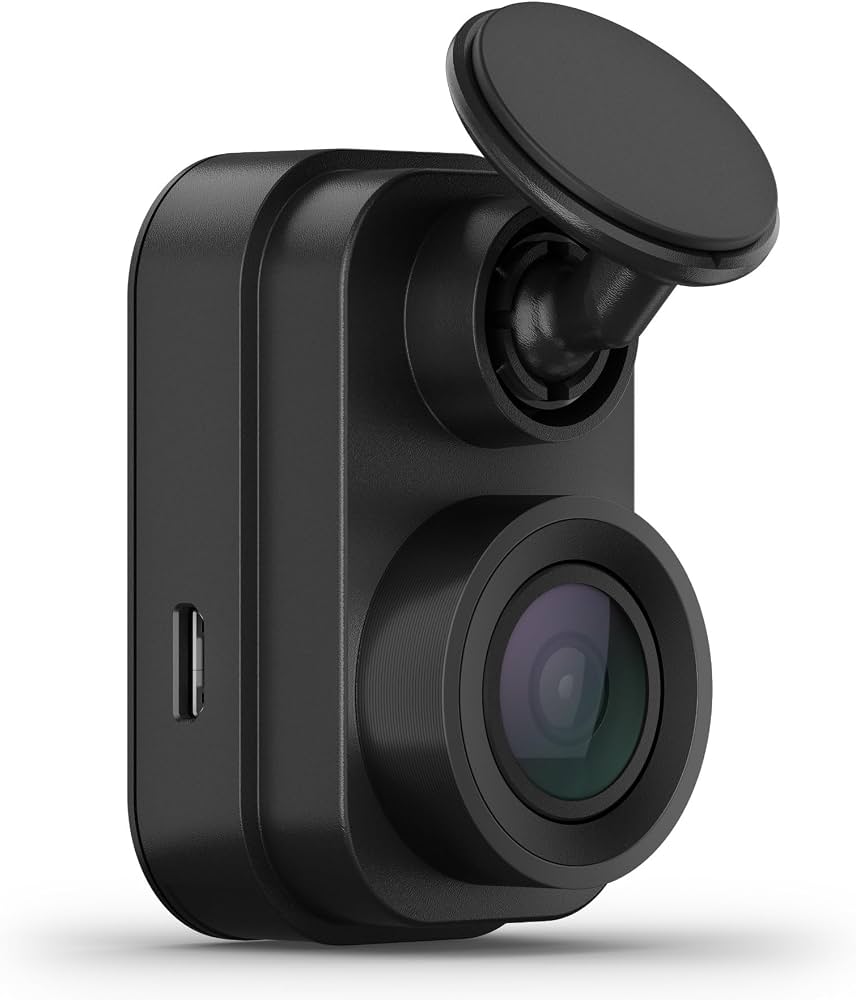
Garmin Dash Cam Mini 2 — Easiest Install: Thumb-size, OBD-II power, zero-fuss setup
-
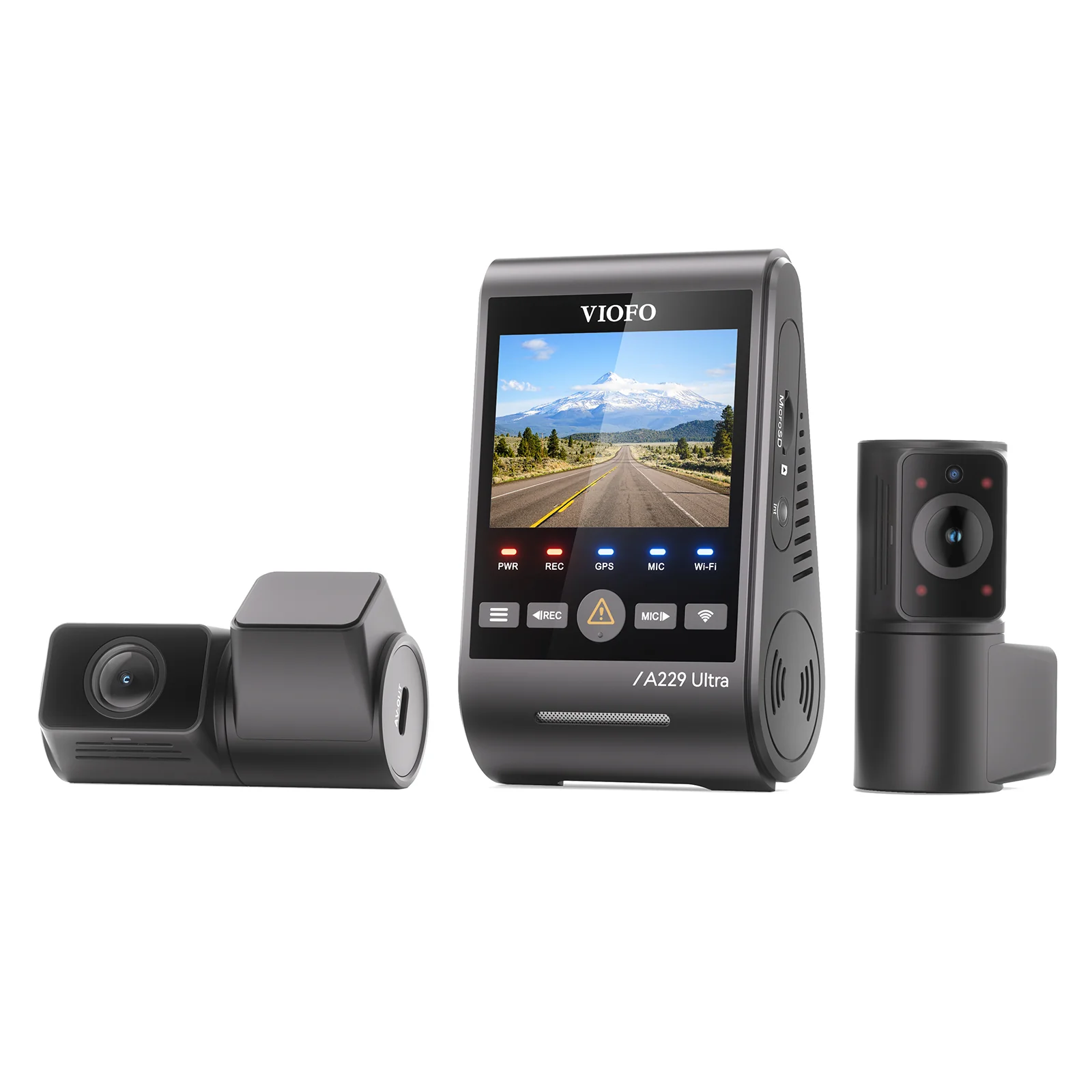
Viofo A229 Pro — Best Night Vision: Front 4K + rear 2K, Starvis 2 HDR
Best Dash Cams for Hyundai — Compared
Side-by-side specs across resolution, heat protection, and parking coverage — every Hyundai driver’s key buying factors.
| # | Product | Resolution | Power Unit | Best For | Score | |
|---|---|---|---|---|---|---|
| 1 | Viofo A129 Plus Duo Editor’s Choice | 1440p + 1080p | Supercapacitor | Overall Best | 4.4 | See Latest Price |
| 2 | Viofo A119 V3 Top Pick | 1440p Front | Supercapacitor | Budget | 4.5 | See Latest Price |
| 3 | Thinkware U1000 | 4K + 2K QHD | Supercapacitor | Premium | 4.2 | See Latest Price |
| 4 | BlackVue DR750X-2CH | 1080p + 1080p | Supercapacitor | Durability | 4.3 | See Latest Price |
| 5 | Garmin Dash Cam Mini 2 Budget Pick | 1080p Front | Supercapacitor | Easy Install | 4.3 | See Latest Price |
| 6 | Viofo A229 Pro | 4K + 2K | Dual Supercapacitor | Night Vision | 4.3 | See Latest Price |
Detailed Reviews
Full breakdown of each camera — ratings, pros, cons, and our verdict for Hyundai drivers specifically.
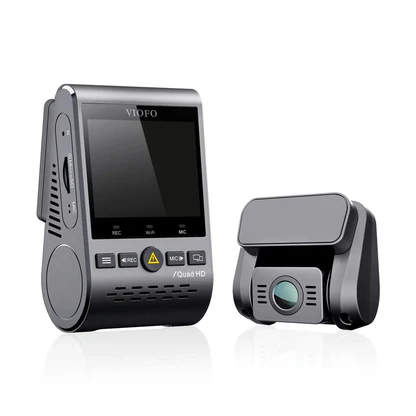
Viofo A129 Plus Duo
- Front 1440p captures plates at 60 mph in daylight
- Supercapacitor survives cabin temps above 140°F
- Thin wedge body hides behind Hyundai’s mirror shroud
- GPS speed log embedded in every video file
- Rear camera is 1080p, not 1440p like the front
- Wi-Fi app can take 20–30 seconds to connect
- HK3 hardwire kit for parking mode sold separately (~$18)
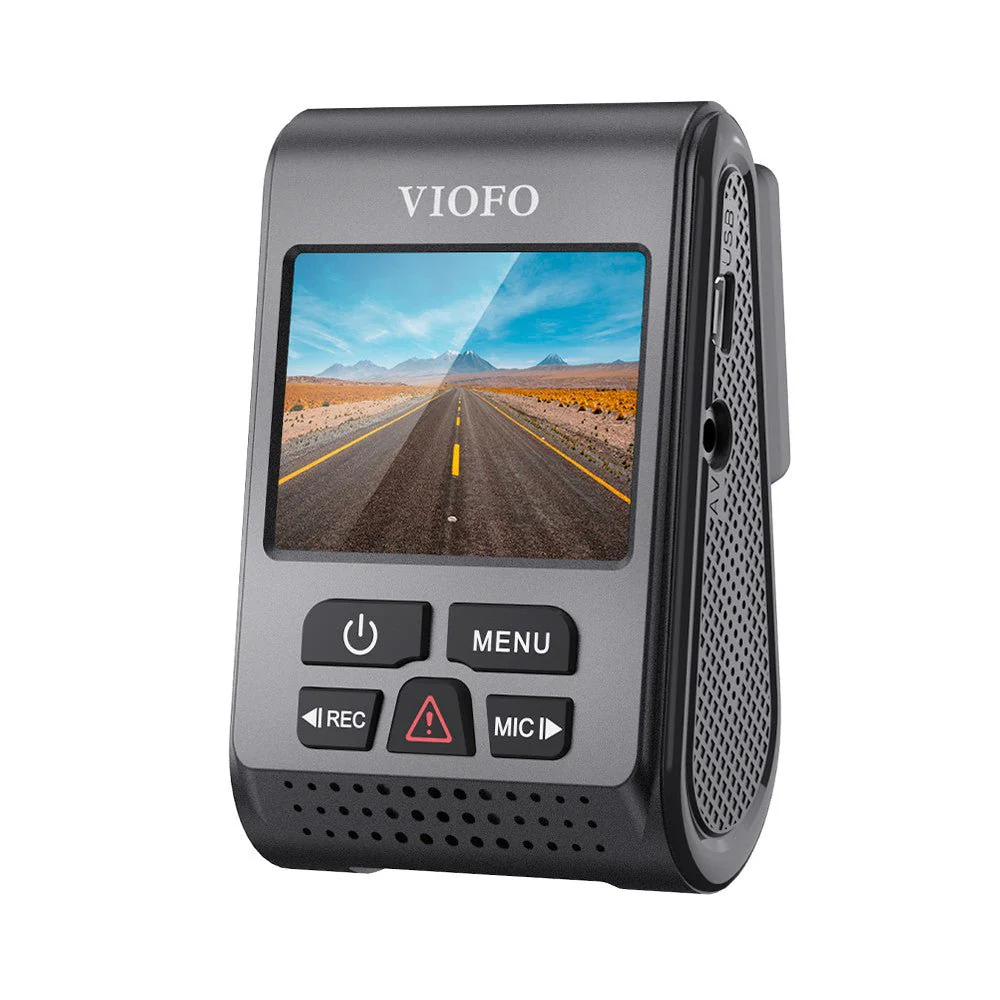
Viofo A119 V3
- 1440p Sony sensor reads plates clearly at highway speeds
- Capacitor-only design — no battery to bloat or die
- Wedge profile fits behind Hyundai mirror housing with zero obstruction
- Optional GPS mount records speed data without extra cost
- No Wi-Fi — clip retrieval requires physically removing the microSD card
- No rear camera option in this model line
- Three small side buttons are stiff and hard to press without looking
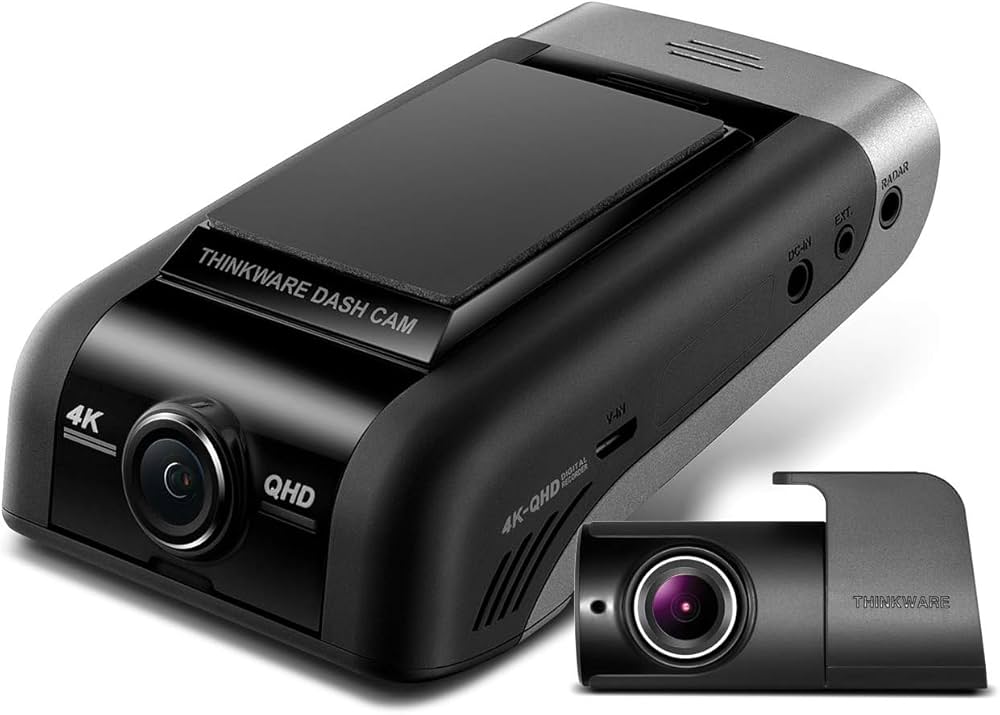
Thinkware U1000
- True 4K front footage legible at distances beyond 40 feet
- Radar parking mode activates only on real motion — not wind or vibration
- Impact alerts pushed to your phone via cloud within seconds
- ADAS lane-departure and forward-collision audio warnings included
- $400+ price requires professional hardwire install to justify the investment
- Cloud features are non-functional without a persistent Wi-Fi hotspot
- Thinkware app setup is multi-step and confusing on first use
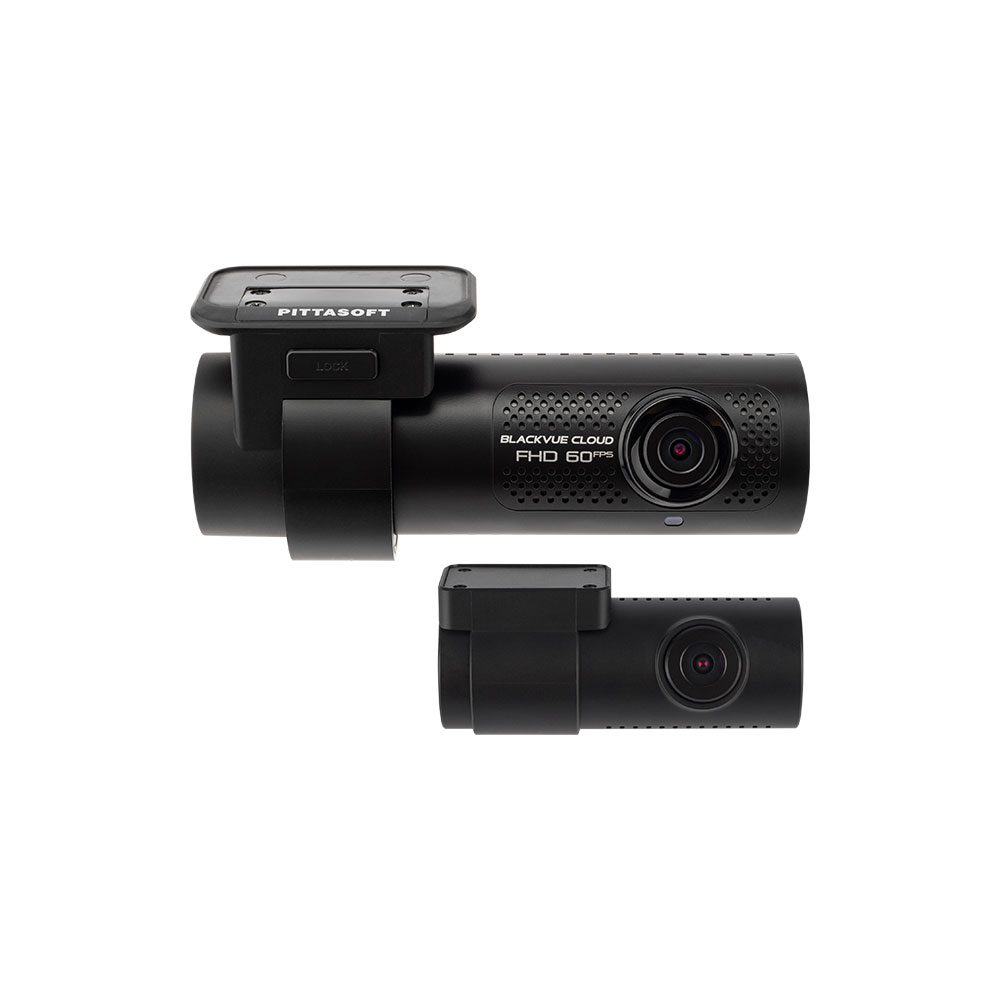
BlackVue DR750X-2CH
- Forum-documented 4–5 year lifespan with no performance degradation
- BlackVue Cloud remote live view works reliably once configured
- Compact cylindrical body hides neatly on the passenger side
- Voltage monitoring prevents parking mode from killing the 12V battery
- 1080p resolution trails every other dual-channel camera in this guide
- Cloud live view and event notifications require a paid BlackVue subscription after the trial period
- Priced 30–40% higher than 2K competitors with similar or better resolution
Garmin Dash Cam Mini 2
- Magnetic mount installs behind Hyundai mirror in under 3 minutes
- OBD-II constant power cable enables parking mode without touching the fuse box
- Supercapacitor rated for safe operation to 176°F
- Voice commands work hands-free while merging on a highway
- 1080p resolution struggles to capture moving plates in darkness
- No embedded GPS — speed and route data cannot be stamped on footage
- Front-only coverage; no rear camera option in this model
Viofo A229 Pro
- Sony Starvis 2 sensor on both cameras — the clearest night HDR in its price tier
- 5GHz Wi-Fi transfers a 1-minute clip in under 30 seconds
- Dual supercapacitors — front and rear both heat-safe independently
- Coaxial rear cable eliminates static interference on longer SUV runs
- Routing rear coaxial cable through a Santa Fe tailgate rubber boot challenges first-time installers
- Startup voice announcement is loud enough to startle passengers
- No cloud connectivity — monitoring requires the Viofo app over local Wi-Fi only
Can’t Decide?
Our Top 2 Picks — Head to Head
Both handle Hyundai’s heat. Here’s how to choose between them.
- Front 1440p + rear 1080p dual-channel coverage
- Supercapacitor rated for the harshest Hyundai summer cabins
- Built-in GPS — no extra module purchase needed
- Identical 1440p Sony sensor — no quality compromise
- Same supercapacitor reliability at nearly half the price
- Thinner wedge body — even more discreet behind smaller Hyundai mirrors
How to Choose the Right Dash Cam for Your Hyundai
Six Hyundai-specific factors that separate the right camera from an expensive mistake.
Supercapacitor, Not Battery
Hyundai cabins regularly exceed 140°F when parked in direct sun. Battery-based cameras swell and fail within a season in these conditions. Only buy a dash cam explicitly rated with a supercapacitor — the spec will say “supercapacitor” or “capacitor” in the product description. This is non-negotiable for any Hyundai in a warm climate.
ADAS Sensor Clearance
Modern Hyundai models — including the Tucson, Santa Fe, and Elantra — house lane-keeping and forward-collision cameras inside a plastic shroud directly behind the rearview mirror. A wide or tall dash cam body will block that shroud and trigger ADAS error codes. Wedge-profile cameras (Viofo A119, A229) and tiny cylindrical units (BlackVue, Garmin Mini 2) clear this housing without conflict.
Parking Mode Power Source
Hyundai’s 12V accessory socket cuts power when the ignition turns off in most current trims. A dash cam plugged into that socket loses parking mode the moment you lock the car. The two solutions are a hardwire kit tapped to an always-on fuse, or the Garmin OBD-II constant power cable. Test your socket with a phone charger after locking the car to confirm your trim’s behaviour before buying.
Fuse Box Access and Install Difficulty
Most Hyundai fuse boxes sit behind a panel below the driver’s knee. Access is straightforward with a plastic trim tool and a fuse tap — no soldering required. If you’d rather skip fuse work entirely, the Garmin OBD-II cable plugs directly into the port above your left shin and handles voltage monitoring automatically. Budget about 30–45 minutes for a clean DIY hardwire, or $65–$80 at a car audio shop.
High-Endurance MicroSD Is Mandatory
Dash cams write video data in a continuous loop — a workload that kills standard consumer microSD cards within months. For any camera on this list, pair it with a Samsung Endurance Pro, SanDisk High Endurance, or Kingston Canvas Go Plus card rated for 10,000+ hours of video write cycles. A 128 GB card is the practical minimum for dual-channel cameras recording in 4K or 1440p.
Cloud vs. Local Wi-Fi Access
Cloud-connected cameras (Thinkware U1000, BlackVue DR750X) push parking impact alerts to your phone even when the car is out of range — but they require a persistent Wi-Fi hotspot, typically from your phone plan. Local Wi-Fi cameras (Viofo A129, A229 Pro) connect only when you’re next to the car. For a daily commuter parked in a known spot, local Wi-Fi is enough. For street parking in unpredictable locations, cloud access is worth the cost.
Pro Tips
Quick Buying Checklist for Hyundai Drivers
Always choose a supercapacitor. Battery cameras fail in sealed Hyundai cabins within one summer. The spec will say “supercapacitor” — anything else is a gamble.
Test your 12V socket before buying. Lock the car and check if a plugged-in charger stays on. If it dies, you need a hardwire kit or OBD-II adapter for parking mode.
Mount to the side of the mirror shroud, never over it. Covering Hyundai’s ADAS sensor window triggers dashboard warning lights and disables lane-keeping assist.
Format your microSD card monthly. Do it inside the camera, not on a computer. This clears fragmented sectors and prevents the most common cause of footage gaps.
Register your dash cam immediately. Viofo, Garmin, and Thinkware all require product registration to activate warranty coverage. Keep your Amazon receipt as purchase proof.
Route the power cable through the headliner, not dangling down the A-pillar. A plastic trim tool and 20 minutes keeps the install clean and the wire safe from pinching.
Related Guides
Popular Hyundai Dashcam Guides
Also On CarAssists
More Guides for This Vehicle
Frequently Asked Questions
Will a dash cam interfere with my Hyundai’s ADAS lane-keeping or forward-collision system?
A properly positioned dash cam won’t interfere with ADAS functions. The key is mounting it to the side of the mirror shroud, not in front of the sensor window itself. Wedge cameras from Viofo and compact units like the Garmin Mini 2 mount low enough on the glass to avoid blocking Hyundai’s camera housing entirely.
Does installing a hardwired dash cam void my Hyundai warranty?
No. The Magnuson-Moss Warranty Act prevents Hyundai from voiding your warranty simply because a dash cam was installed. A dealership can only deny coverage if your installation directly caused a specific failure — a properly installed fuse tap or OBD-II adapter carries no such risk. Document your installation method and keep the receipt.
Why do battery dash cams fail so quickly in a Hyundai Elantra or Tucson?
Hyundai’s dark plastic dashboards and steeply raked windshields trap radiant heat aggressively. On a 90°F day, cabin temperatures inside a closed Elantra regularly reach 150–160°F. Lithium batteries are rated for roughly 140°F maximum — every hot day accelerates cell degradation. Supercapacitors handle those temperatures indefinitely without swelling or cracking.
Can I use the Hyundai OBD-II port to power a dash cam and not affect the car’s diagnostics?
Yes, with the right adapter. Garmin’s OBD-II Parking Mode Cable and similar voltage-monitoring adapters draw only a passive power feed from the port without communicating on the CAN bus. Your Hyundai’s diagnostic systems remain entirely unaffected. Avoid generic OBD-II splitters that don’t include their own voltage cutoff, as these can drain the battery overnight.
How long does a quality capacitor dash cam last in a Hyundai driven daily?
Based on Hyundai owner forum data spanning several model years, supercapacitor dash cams from Viofo and BlackVue typically last three to five years of daily use before internal solder joints weaken from repeated thermal cycling. The microSD card usually needs replacing sooner — every 12 to 18 months with a standard card, or every two to three years with a high-endurance model.
Is radar parking mode worth it over standard motion detection for a Hyundai parked on the street?
Radar mode is meaningfully better for street parking because it detects physical proximity to the vehicle before motion is captured — meaning it wakes the camera when someone walks toward the car, not just when they’ve already touched it. Standard motion detection on busy streets also triggers constantly on passing traffic. Radar mode, used on the Thinkware U1000, eliminates those false activations and draws far less power overnight.
What microSD card should I buy for a Viofo dash cam in a Hyundai?
For the Viofo A129 Plus Duo or A229 Pro, use either the Samsung PRO Endurance or SanDisk High Endurance in 128 GB. Both are rated for 10,000+ continuous recording hours and handle the constant read-write loop that kills standard V10 cards. Format the card inside the camera after first use — not on a PC — and reformat monthly to prevent file fragmentation from causing recording gaps.
Final Verdict
Our Top Recommendations for 2026
Every Hyundai on the road today deserves a supercapacitor dash cam that survives real cabin heat — not a battery unit that dies after its first summer. The Viofo A129 Plus Duo covers front and rear with 1440p clarity, proven heat tolerance, and GPS logging at a price that makes dual-channel protection genuinely accessible. If you’re on a tighter budget and rear coverage isn’t a priority, the Viofo A119 V3 delivers the same capacitor reliability and near-identical front resolution for under $100.